 ACE
ACETalk when you want.
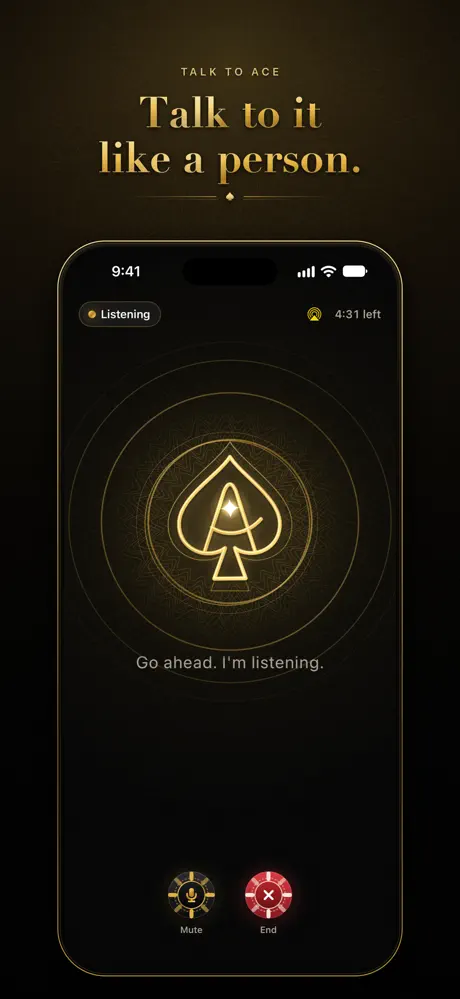
Start a voice conversation with a tap. You choose when it starts and ends. Launching the app or signing in does not start a call.
Ace BL · iPhone & iPad
A conversation. A photo. Your next move.
Talk to Ace, make sense of what you see, and turn your intentions into a daily deck.

Free to download · In-app purchases
iPhone & iPad · iOS / iPadOS 17.4 or later
Actual Ace BL App Store screenshots
Your assistant, within reach
Start a voice conversation with a tap. You choose when it starts and ends. Launching the app or signing in does not start a call.
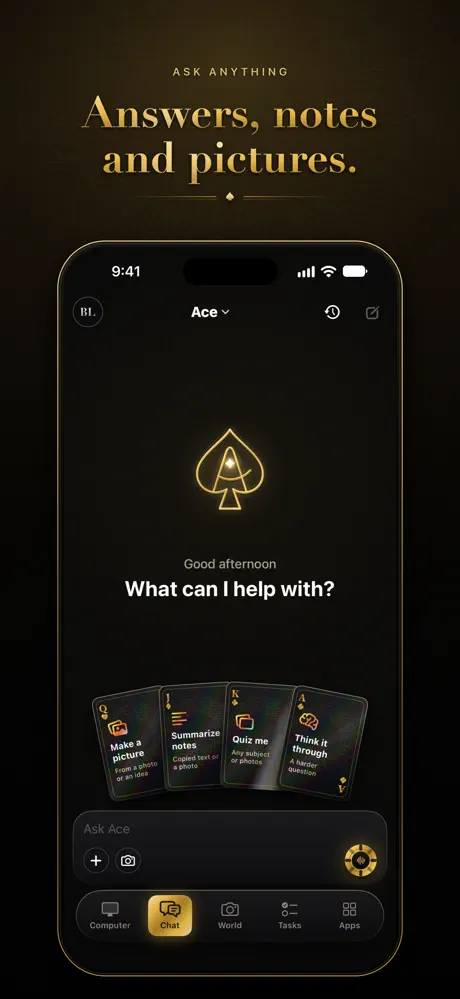
Use your camera or select a photo or screenshot. Ask about the image, including during a voice conversation.
Prepare tasks, reminders and calendar events. Review the details and save through your iPhone. Review and send message drafts in the system interface.
Optionally pair with Ace on your own computer to send a task there or view its screen. Computer features need that computer online and the appropriate permissions.
Deal your day
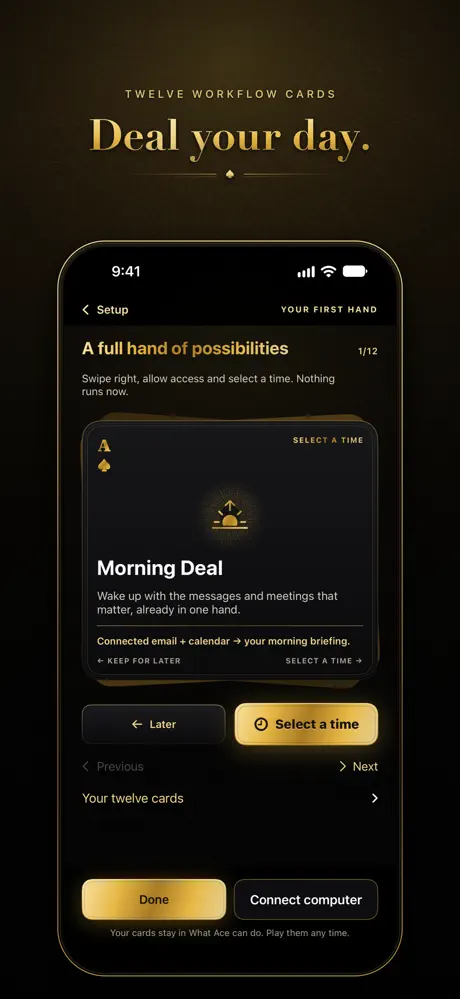
Explore twelve workflow cards during setup or from Tasks. Each walkthrough explains its source and permissions. Choose a time and save a reminder to return to it.
Saving a time does not immediately run an AI request. Connected services need their corresponding authorized account.
See Ace BL on the App Store ↗Before you download
No. Sign in to your Ace account to use the phone’s hosted AI features. Hosted AI uses your account’s available credits or access. Computer pairing is optional for these features; remote computer work needs the paired computer online.
Ace BL is free to download. Account access, AI credits and purchase options appear in the app. Optional subscriptions and credit packs use Apple’s purchase confirmation, with the price shown before purchase.
Subscriptions renew automatically unless canceled at least 24 hours before the current period ends. Manage or cancel in your Apple Account settings. Restore purchases is available in the app. See Apple’s standard terms and the Ace privacy policy.
Your next move
For a computer, explore Ace for Mac, Windows and Linux.